
Data Backup & Transfer Services in Melbourne — Never Lose a File Again
Professional backup setup and data migration so your files are always protected
Whether you are moving to a new computer, setting up cloud backups for the first time, or need a bulletproof backup system for your Melbourne business, our technicians configure everything on-site. We make sure your photos, documents, and critical data are automatically backed up and easy to restore.
Book a Geeks I.T. Melbourne Technician
Same-day on-site service across Melbourne. No Fix, No Fee (excludes hardware repairs and parts).
Prefer to call? 03 7057 2770
Backup Solutions for Every Situation
Data loss happens more often than people think. A failed hard drive, a ransomware attack, an accidental deletion, or even a stolen laptop can wipe out years of irreplaceable files in an instant. The only real protection is a proper backup system that runs automatically without you having to think about it.
Our Melbourne technicians set up backup solutions tailored to how you use your computer — whether that is a simple cloud sync for personal photos or a multi-layered business backup with local and off-site redundancy.
- Cloud backup setup — Google Drive, OneDrive, iCloud, or Dropbox configured to automatically sync your important folders
- Local NAS backup — network-attached storage for homes and offices that need fast, private, on-premises backups
- Old-to-new PC data migration — everything transferred from your old computer to your new one, including files, bookmarks, and settings
- External drive backup — scheduled backups to an external hard drive using Windows Backup, Time Machine, or third-party tools
- Automated backup scheduling — set-and-forget configurations that back up daily, weekly, or in real time
- Business backup solutions — server backups, multi-workstation syncing, and disaster recovery planning for Melbourne businesses
Backup & Transfer Services That Keep You Covered
From a simple cloud sync to a complete business disaster recovery plan, we set it up and make sure it runs.
Cloud Backup Setup
Google Drive, OneDrive, iCloud, or Dropbox — we configure automatic cloud sync for your documents, photos, and important folders so they are always safe off-site.
NAS & Server Backup
Synology, QNAP, or custom NAS devices set up for your home or office. Fast local backups with optional cloud replication for full redundancy.
External Drive Backup
We set up scheduled backups to your external hard drive using Windows Backup, macOS Time Machine, or reliable third-party tools that run automatically.
PC-to-PC Data Migration
Moving to a new computer? We transfer everything — documents, photos, music, bookmarks, email accounts, and application settings — so your new machine feels familiar from day one.
Automated Scheduling
Backups that run daily, weekly, or in real time without you lifting a finger. We configure the schedule, verify it is working, and show you how to check the status.
Business Continuity
Multi-workstation backup, server imaging, and disaster recovery planning for Melbourne businesses. Get back online fast if something goes wrong.
How Backup Setup Works
We come to you, set it up, verify it works, and show you how to check it is running.
Book & Tell Us Your Needs
Call or book online. Let us know whether you need cloud backup, a data transfer, or a full business backup solution. We will recommend the best approach for your situation.
We Set It Up On-Site
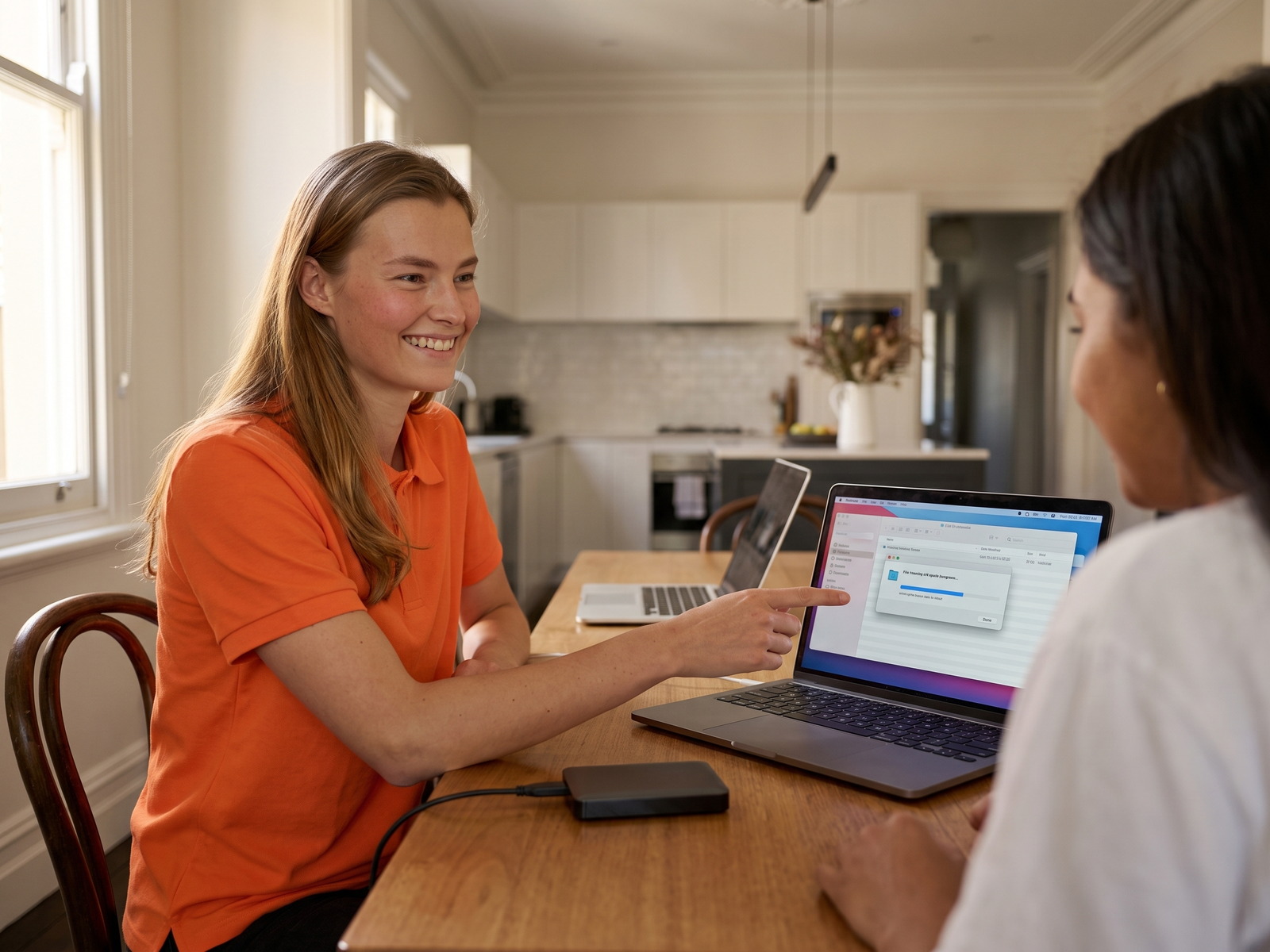
A Melbourne technician visits your home or office, configures your backup system, runs the initial backup, and verifies everything is syncing correctly.
Verified & Running
We test a file restore to prove the backup works, show you how to check the status, and leave you with documentation. Your data is now protected automatically.
Backup & Transfer FAQs
Which cloud backup service should I use?
It depends on your devices. If you use Windows and Office 365, OneDrive integrates seamlessly. Google Drive is excellent for anyone using Gmail and Google Docs. iCloud is the natural choice for Apple users. We will assess your setup and recommend whichever platform fits your workflow best — and set it up so it runs automatically.
How long does a data transfer to a new computer take?
Most PC-to-PC transfers take between one and three hours depending on how much data you have. If you have a large photo or video library, it may take longer. We handle the full process — files, bookmarks, email accounts, and settings — so you can start using your new computer straight away without hunting for missing files.
Do I need both cloud and local backup?
Ideally, yes. The 3-2-1 backup rule is the gold standard: three copies of your data, on two different types of media, with one copy stored off-site (the cloud). A local backup gives you fast restores, while cloud backup protects you from theft, fire, or flood. For businesses, this combination is essential.
Can you set up backups for my small business?
Absolutely. We configure backup solutions for Melbourne businesses of all sizes — from a sole trader working off a single laptop to offices with ten-plus workstations and a server. We set up automated backups, test disaster recovery, and document the process so your team knows what to do if something goes wrong.
Protect Your Data Before It Is Too Late
Book a Melbourne technician to set up a proper backup system or migrate your data to a new computer. Set-and-forget protection, done right.