
Virus, Spyware & Malware Removal Melbourne — Onsite & Remote
We eliminate every threat and lock your system down so it stays clean
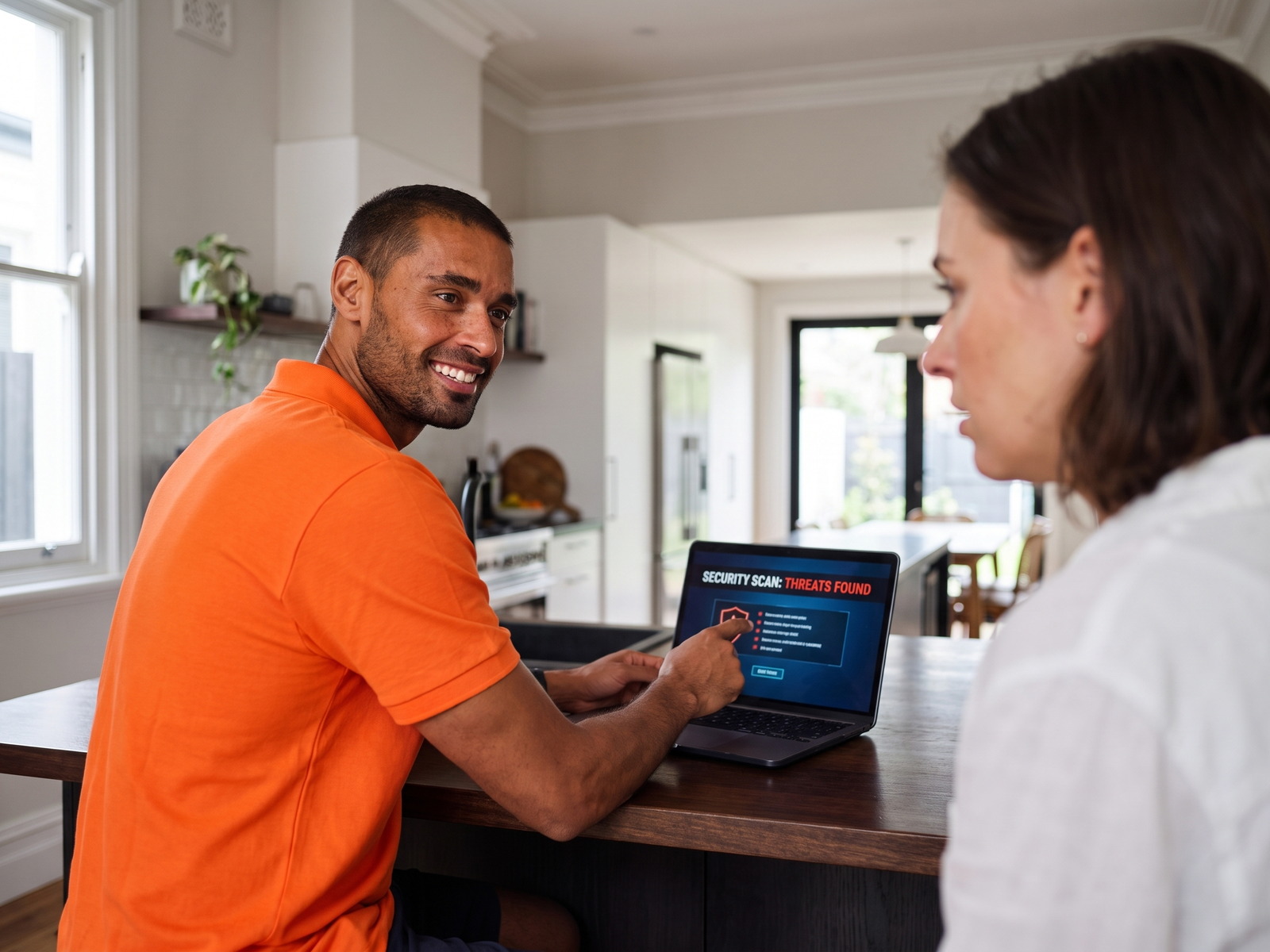
Strange pop-ups? Computer crawling? Locked out by ransomware? Our Melbourne technicians completely remove viruses, malware, spyware, and adware — then set up proper protection so it doesn't happen again. We also help seniors recognise and avoid online scams.
Book a Geeks I.T. Melbourne Technician
Same-day on-site service across Melbourne. No Fix, No Fee (excludes hardware repairs and parts).
Prefer to call? 03 7057 2770
Complete Virus Removal & Protection
We don't just remove the infection — we clean up the damage, secure your system, and protect you going forward.
Full Threat Removal
We scan with multiple professional tools to find and eliminate every virus, trojan, rootkit, spyware, and piece of adware hiding on your system.
System Cleanup
After removing infections, we clean up leftover damage — broken settings, hijacked browsers, dodgy startup programs — so your computer runs properly again.
Antivirus Setup
We install and configure reliable antivirus protection tailored to your needs — whether free or premium — so you're defended against future threats.
Scam Prevention
We teach you (or your parents) how to spot phishing emails, fake tech support calls, and dodgy websites. Especially important for seniors.
Your Computer Might Be Infected If...
Recognise any of these? Don't ignore them — infections get worse the longer you wait. Call us today.
Random Pop-ups
Pop-up ads appearing even when your browser is closed, or fake virus warnings telling you to call a number or download software. Classic sign of adware or scareware.
Painfully Slow Computer
Everything takes ages to load, programs freeze, and your fan runs constantly. Malware running in the background chews through your system resources.
Browser Redirects
Your searches go to strange websites, your homepage has changed, or new toolbars appeared that you didn't install. Browser hijackers are extremely common.
Ransomware Lockout
Screen locked with a message demanding payment? Files encrypted and renamed with strange extensions? This is ransomware — do not pay. Call us immediately.
Unknown Programs
Programs you don't recognise appearing in your taskbar or startup, or your antivirus has been disabled without you doing it. Spyware often hides in plain sight.
Emails Sent Without You
Friends or contacts telling you they received strange emails or messages from your account? Your email or social media may be compromised by malware.
How Do You Know If Your PC Has Spyware?
Spyware is built to stay hidden, so the signs are often subtle. Unlike some malware that is obvious, such as ransomware that locks you out, spyware quietly watches what you do and passes it on. Common spyware signs on a Windows computer:
- Your browser home page or search engine changed without you doing it
- New toolbars or extensions you don't remember adding
- Your webcam light or microphone indicator switches on unexpectedly
- Accounts showing login attempts or password reset emails you didn't request
- Your internet use is high when you aren't doing anything online
One sign on its own can have an ordinary cause, such as a browser update. Several together are worth taking seriously. If you suspect spyware, avoid logging in to banking or email on that computer until it has been checked, because a keylogger can capture what you type.
Not sure what you're looking at? Call us on 03 7057 2770 and we can talk through the symptoms and arrange an onsite or remote visit.
How to Remove Spyware From a Windows PC
Spyware removal is more than running one scan. Many spyware programs reinstall themselves or leave behind settings that keep sending your data out. This is the general process:
- Use a different device first. Change the passwords for your email, banking and other important accounts from a clean phone or computer, not the infected one.
- Start in Safe Mode. This stops most spyware from loading, which makes it easier to find and remove.
- Remove unknown programs. Check your installed apps and uninstall anything you don't recognise.
- Clean up your browsers. Remove unfamiliar extensions, reset the home page and search engine, and clear saved sessions.
- Run a full scan. Use a reputable security scanner, including the Microsoft Defender Offline scan built into Windows, and make sure Windows is fully updated afterwards.
- Check startup items and scheduled tasks. This is where spyware often hides so it can come back after a restart.
- If spyware keeps returning, reset or reinstall Windows. Back up your personal files (not programs) first, then reset or reinstall Windows. This is the most reliable way to remove spyware completely.
If the problem keeps returning, or you can't tell what is safe to delete, it's worth having a technician look at it. Geeks I.T. Melbourne technicians do this work onsite across Melbourne or remotely, then set up protection so it is harder for spyware to get back on.
Types of Spyware and How to Avoid It
Spyware is a broad term. Knowing the main types helps you understand what may have been taken and what to change afterwards.
- Keyloggers record what you type, including passwords and card details.
- Infostealers collect saved passwords, browser data and files.
- Adware and trackers follow your browsing to show ads, and can redirect your searches.
- Stalkerware is installed by someone with access to your device to monitor you. If you think this applies to you, consider your safety before removing it, as the person may notice. For confidential support, contact 1800RESPECT on 1800 737 732, or see the eSafety Commissioner at esafety.gov.au.
Most spyware arrives through a few routes: cracked or pirated software, fake download buttons, email attachments, and pop-ups telling you your computer has a problem. These habits reduce the risk:
- Download software only from the official publisher's website
- Keep Windows, your browser and your apps updated
- Don't click links or open attachments in unexpected emails or texts
- Use a password manager and turn on two-step login for important accounts
- Keep a current antivirus running at all times
We can set up antivirus and tidy up your browser settings as part of a removal visit, so you leave with a clean and properly protected computer.
What About Spyware on Phones?
Spyware, and stalkerware in particular, is often found on phones. Signs on a phone include fast battery drain, unknown apps, configuration profiles (iPhone) or Device admin apps (Android), and unexpected mobile data use.
iPhone
- Update iOS to the latest version
- Remove unknown apps and configuration profiles (Settings > General > VPN & Device Management)
- Check the devices and sign-ins listed on your Apple ID
Android
- Update Android to the latest version
- Remove unknown apps and revoke Device admin apps
- Run Google Play Protect
On either platform, use a factory reset only as a last resort, and back up your personal data first.
The same stalkerware safety caveat applies: if you think someone is monitoring you, consider your safety before removing anything, as the person may notice. For confidential support, contact 1800RESPECT on 1800 737 732, or see the eSafety Commissioner at esafety.gov.au.
If you want help with a phone, see our phone and tablet setup service.
Get Help With Spyware Removal in Melbourne
If you would rather have a technician handle it, call Geeks I.T. Melbourne on 03 7057 2770 or book online. We remove spyware from Windows computers onsite across Melbourne, or remotely if you prefer not to wait for a visit. Either way, we scan in Safe Mode, clean browsers, startup items and scheduled tasks, and set up protection so you finish with a clean, secured computer.
Our rates are $205/hour onsite or $125/hour remote, one-hour minimum, no call-out fee. See virus removal costs for more detail, or read how to clean an infected computer fast.
We also help with Mac security setup and troubleshooting.
"He was very professional, removed the virus that had infected my computer." — Dorothy, verified Google review
Does antivirus alone remove spyware?
Not always. Antivirus can catch many spyware programs, but some leave behind browser extensions, startup items or scheduled tasks that bring them back. A full removal checks those places as well as running a scan.
How much does spyware removal cost in Melbourne?
Geeks I.T. Melbourne charges $205/hour onsite or $125/hour remote, with a one-hour minimum and no call-out fee.
Can spyware be removed remotely?
Yes, in many cases. A technician can connect to your Windows computer remotely, scan in Safe Mode, clean browsers and startup items, and set up protection. Passwords should be changed from a clean device.
Will I lose my files when spyware is removed?
Usually not. Most removals keep your personal files. If spyware keeps returning, a reset or reinstall of Windows may be needed, and your personal files should be backed up first.
How Virus Removal Works
Three steps from infected mess to clean, secure machine. Most removals are done same-day.
Book Your Visit
Book online or call us. We'll come to your home or office, or you can drop off your device. If it's urgent, let us know — we prioritise active infections and ransomware.
We Clean Everything
Our technicians run deep scans with multiple professional tools, remove every threat, repair damaged settings, clean your browser, and verify your system is completely clear.
Secured & Protected
We set up proper antivirus protection, update your system, and walk you through staying safe online. You also get a security check to catch any remaining vulnerabilities.
What Melbourne customers say about virus & malware removal
Verified Google reviews from customers we removed malware for.
Dorothy Gilmour
Ujjwal was delightful. He was very professional, removed the virus that had infected my computer. Plus, was very amenable to my queries about different functions that had perplexed me in the past. He was so patient and helpful and I am up and running again. Thank you Ujjwal. My best wishes to you.
Virus Removal FAQ
Answers to the questions we hear most from Melbourne homes and businesses about malware and online security.
Common signs include unexpected pop-ups, a dramatically slower computer, browser redirects to strange websites, programs you didn't install appearing, your antivirus being disabled, or friends receiving strange emails from your account. If anything feels off, it's worth getting checked — infections get worse over time, not better.
Yes. We can remove the ransomware infection from your computer and attempt to recover your encrypted files where possible. Some ransomware variants have known decryption tools, while others may require restoring from backups. The critical thing is: do not pay the ransom. Call us first and we'll assess your options honestly.
Yes, every computer needs some form of protection. Windows has built-in Windows Defender which is decent, but depending on your browsing habits and risk level, you may benefit from additional protection. We'll assess your situation and recommend the right level of security — whether that's a solid free option or a premium suite for higher-risk users.
$125 per hour remote or $205 per hour on-site, including GST, with a one-hour minimum. If the computer still starts, the clean-up can usually be done remotely; if it will not start, a technician attends. Heavily infected systems or ransomware take longer and are billed by time, and we tell you before the job runs past the first hour. See the virus removal price guide.
Yes, certain types of malware (called keyloggers and info-stealers) can capture your passwords, banking details, and other sensitive information. If your computer has been infected, we recommend changing all important passwords after the cleanup. We can help you set up a password manager and enable two-factor authentication for extra security.
Keep your operating system and software updated, use reliable antivirus protection, don't click links in suspicious emails, avoid downloading software from untrusted sites, and be cautious of pop-ups claiming your computer is infected. For seniors, our internet security service includes hands-on training in recognising scams and staying safe online.
Infected? Let's Fix It Today
Every minute a virus runs on your machine, it's doing more damage. Book a Melbourne technician now and we'll have your computer cleaned, secured, and running properly.
Keep Your Devices Protected
Clearing an infection is just the start. Our Melbourne team can secure and repair everything else too.