
Open 7 days Same-day across Melbourne Remote Support info@geeksmelbourne.com.au
Google Rating
No Fix, No FeeExcludes hardware repairs & parts
Same-Day Service
Dust & Overheating Specialists

Computer Cleaning Melbourne

Overheating? Loud fans? Running slow? Dust build-up is a common cause. We deep clean desktops and Windows laptops at your home or office across Melbourne.
4.9 from 127 Google reviews
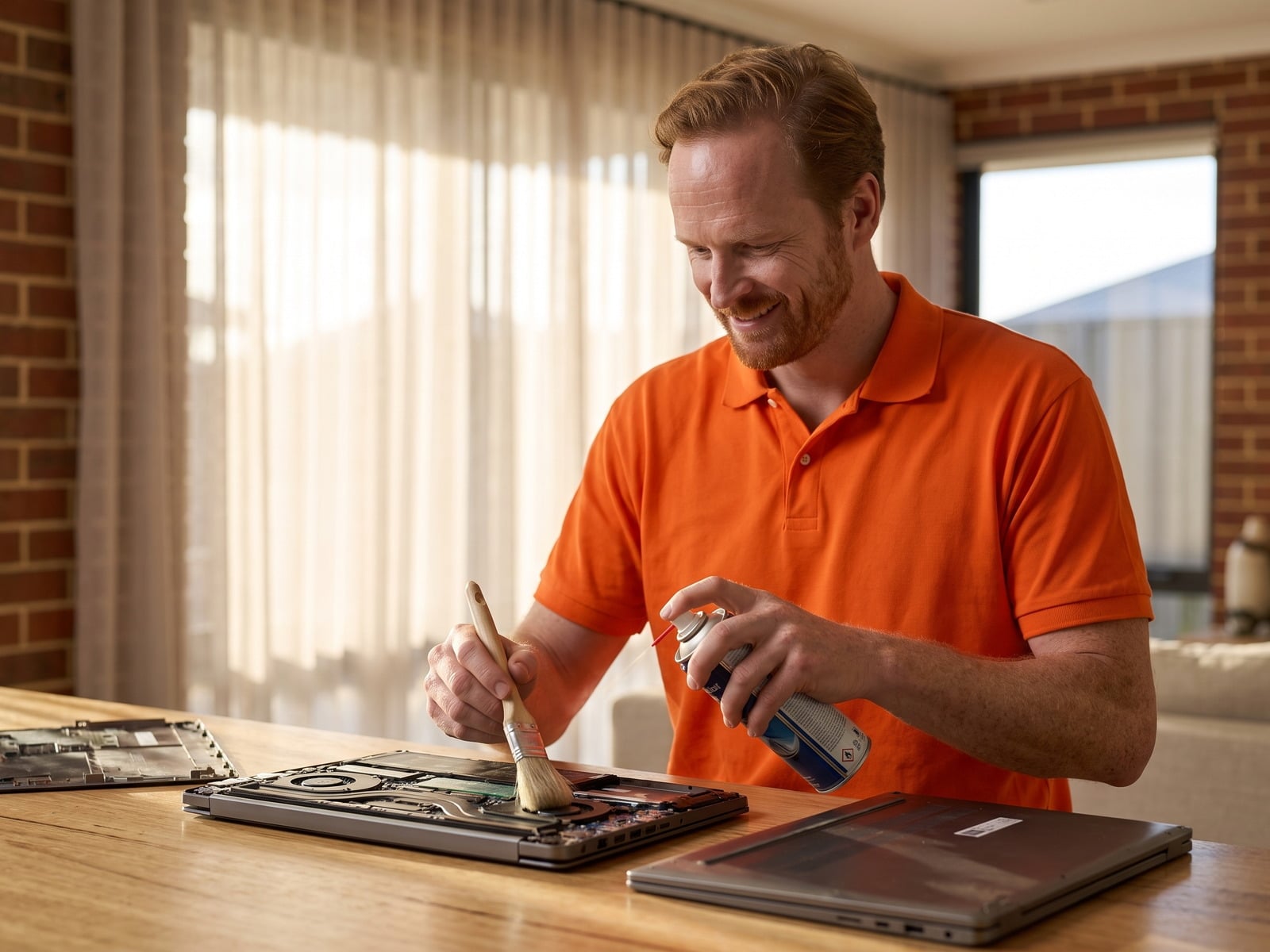
Internal computer cleaning to fix overheating, Melbourne

Book Computer Cleaning Now

Onsite service at your home or office — we come to you

Same-day available
No Fix, No FeeExcludes hardware repairs & parts
PCs & Windows laptops

Prefer to call?

03 7057 2770

Warning Signs Your Computer Needs Cleaning

Running Hot

Laptop or desktop getting uncomfortably warm? Dust is trapping heat inside.

Loud Fan Noise

Fans working overtime trying to cool clogged components. They shouldn't sound like a jet engine.

Random Shutdowns

Computer turning off unexpectedly? Overheating triggers automatic shutdown to prevent damage.

Slower Performance

Heat causes your CPU to throttle — slowing itself down to avoid damage. Cleaning fixes that.

Visible Dust in Vents

If you can see dust in the vents, there's far more inside blocking airflow.

What We Clean

Internal Dust Removal

Complete removal of dust from all internal components using compressed air and specialized tools.

Fan Cleaning

Deep cleaning and lubrication of CPU, GPU, and case fans to restore quiet, efficient airflow.

Thermal Paste Replacement

Remove old, dried thermal paste and apply fresh high-quality paste for optimal heat transfer.

Heatsink Cleaning

Thorough cleaning of heatsink fins to restore maximum cooling capacity and airflow.

Vent Clearing

Clear all intake and exhaust vents to ensure unrestricted airflow through the system.

Screen & Keyboard

External cleaning of screen, keyboard, and casing for a like-new appearance.

Our Cleaning Process

Methodical and thorough — no shortcuts

1
Assessment Check temps & identify problem areas
2
Disassembly Careful access to internal components
3
Deep Clean Compressed air, brushes & cleaning
4
Thermal Paste Fresh application if needed
5
Test & Verify Confirm lower temps & quiet fans

Devices We Clean

Windows Laptops

Desktop PCs

Gaming PCs

Gaming Laptops

All-in-Ones

Custom Builds

Why Professional Cleaning Matters

We fully disassemble — canned air just blows dust around
Thermal paste refresh for optimal CPU and GPU cooling
Anti-static equipment prevents component damage
Temperature testing before and after to verify results

Computer Cleaning Pricing

Computer & Laptop Cleaning

$205 starting from
  • Full internal dust removal
  • Fan cleaning & inspection
  • Heatsink cleaning
  • Vent clearing
  • External wipe down
  • Temperature testing before & after
Book Cleaning

Thermal paste: replaced during the same visit if the clean shows it has dried out.

Computer Cleaning FAQs

How much does computer cleaning cost in Melbourne?
A full internal clean is $205 per hour including GST with a one-hour minimum, and it is almost always done inside that hour on-site. That covers opening the machine, clearing dust from the fans and heatsinks, re-applying thermal paste, and checking temperatures before and after so you can see the difference.
Why is my laptop overheating?
Laptop overheating is usually caused by dust buildup blocking the cooling vents and fans, dried-out thermal paste between the CPU and heatsink, or fan failure. Dust is a common culprit — it acts as insulation, trapping heat inside. A professional clean removes the dust and we can replace thermal paste if needed to restore proper cooling. Our guide is your computer overheating? here's what to do covers the warning signs.
How often should I get my computer cleaned?
We recommend professional internal cleaning every 12-18 months for most computers. If you have pets (pet hair is a major dust contributor), smoke indoors, or your computer is in a dusty environment, every 6-12 months is better. Gaming PCs with high airflow may accumulate dust faster and benefit from more frequent cleaning.
Can dust actually damage my computer?
Yes. Dust buildup causes overheating, which can shorten component lifespan, cause random shutdowns, throttle performance (your CPU slows down to prevent damage), and in extreme cases, cause permanent damage to the CPU or GPU. Regular cleaning is essential preventive maintenance that extends the life of your computer.
Do you clean gaming PCs and custom builds?
Yes. We clean gaming desktops and custom builds — dust filters, case and GPU fans, AIO radiators and heatsinks — and refresh thermal paste where it has dried out. We don't drain or refill custom water-cooling loops.
Why can't I just use canned air myself?
Canned air only blows surface dust around — it doesn't remove dust that's caked onto fans and heatsinks. Without proper disassembly, you can't reach the areas that matter most. Professional cleaning involves opening the system, removing components if needed, and thoroughly cleaning areas that canned air simply can't reach. Plus, we can replace dried thermal paste which canned air obviously can't fix.
Do you come to my home or do I bring my computer to you?
We come to you. Our technicians clean desktops and Windows laptops on-site at your home or office across Melbourne, so there's nothing to drop off. We don't service MacBooks.

Related Services

Computer Cleaning Across Melbourne

We provide on-site computer cleaning across Melbourne.

No Fix, No Fee applies to standard remote and on-site technical support where we are unable to resolve your issue. It excludes hardware repairs, does not guarantee a resolution within the minimum one-hour visit, and does not cover additional labour time or parts, which remain payable. Where additional work is quoted and not accepted, No Fix, No Fee does not apply to that work.