
Book a Geeks I.T. Melbourne Technician
Same-day on-site service across Melbourne. No Fix, No Fee (excludes hardware repairs and parts).
Prefer to call? 03 7057 2770
Complete Device Setup Across Melbourne
Getting a new device should be exciting, not exhausting. But between signing into accounts, transferring photos and contacts from your old device, installing the right apps, configuring security settings, and connecting to your home WiFi -- what should take an hour ends up consuming an entire weekend.
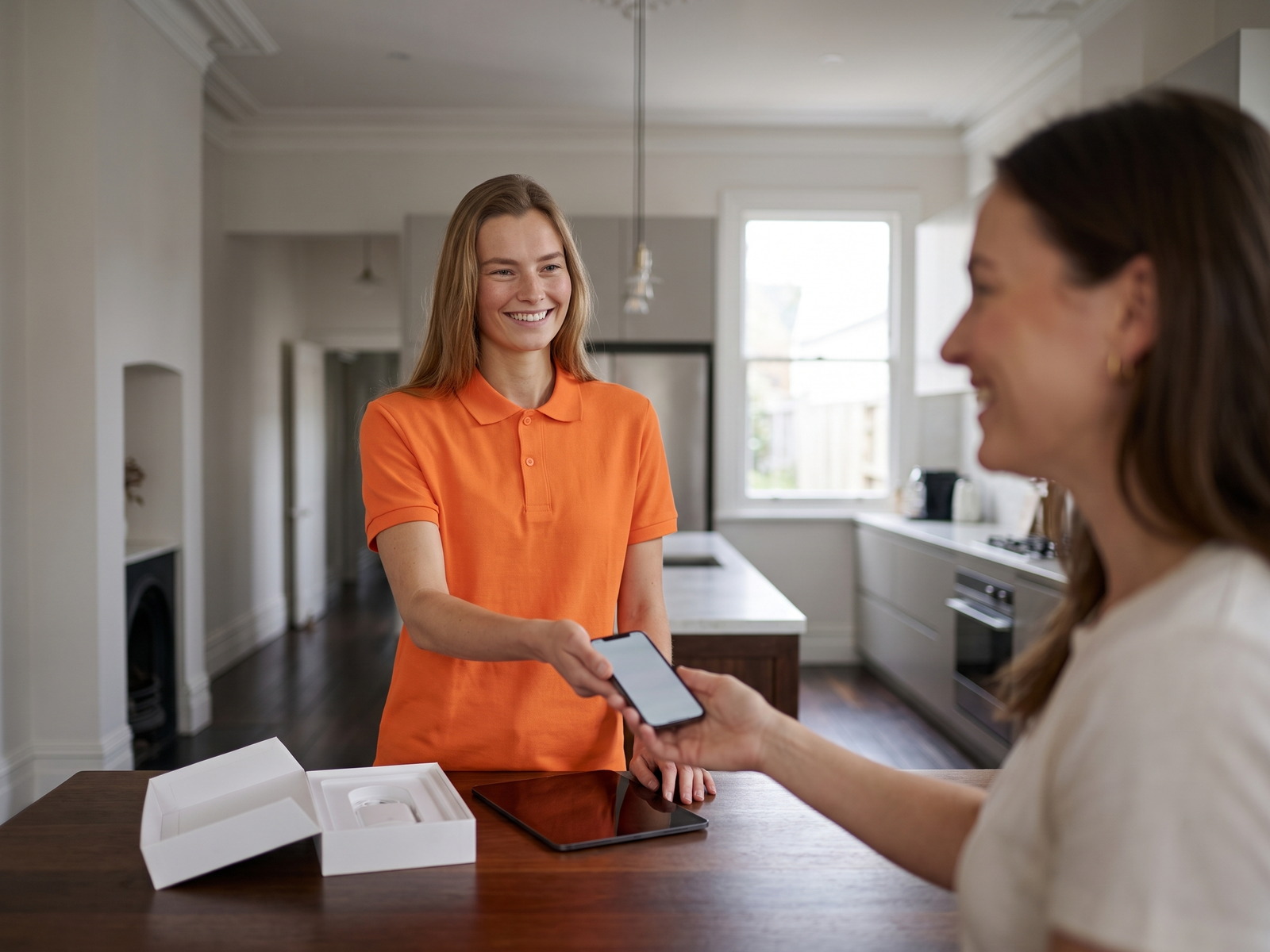
That is where Geeks I.T. Melbourne comes in. We provide complete device setup services across the entire Melbourne metro area, from Docklands and Carlton to Dandenong, Werribee, and everywhere in between. Whether you have picked up a new Windows laptop, an iPhone or a Samsung smart TV delivered to your doorstep, our technicians handle the full setup so you can start using your device the moment we leave.
We do not just turn it on and connect it to WiFi. We transfer your data, install the apps you actually use, set up email and cloud accounts, configure privacy and security settings, pair Bluetooth accessories, and make sure everything talks to everything else in your home. One visit, every device, fully sorted.
Choose Your Device Type
We set up every kind of device. Pick the category that matches what you need, or book a general device setup and we will handle it all.
Computer Setup
New laptop or desktop PC? We handle Windows updates, user account creation, software installation, data migration from your old machine, printer connections, and full personalisation.
Learn more about computer setupSmart TV Setup
Wall mounting coordination, WiFi connection, app installation (Netflix, Stan, Kayo, Disney+), soundbar pairing, universal remote configuration, and picture calibration for your viewing environment.
Learn more about smart TV setupSoftware Installation
Microsoft 365, Adobe Creative Cloud, antivirus, accounting software, VPN setup, and more. We install, activate, configure, and test every application you need for work or home.
Learn more about software installationPhone & Tablet Setup
iPhone, Samsung, iPad, Android tablets -- we transfer contacts, photos, and apps from your old device, set up email and cloud backups, configure Face ID or fingerprint, and pair wearables.
Learn more about phone & tablet setupEvery Setup, Fully Covered
No matter the device, every setup appointment includes these core services as standard.
Data Transfer
Photos, contacts, documents, bookmarks, music -- we move everything from your old device to the new one. Nothing gets left behind or lost in the switch.
Account Configuration
Email, Microsoft, Google, Apple ID, cloud storage -- we sign you into all your accounts and make sure syncing is working across your devices.
Security Setup
Antivirus installation, firewall configuration, biometric login, two-factor authentication, and privacy settings tuned for your comfort level.
WiFi & Connectivity
Connect to your home or office WiFi, pair Bluetooth speakers, headphones, printers, and smart home devices. Everything talking to everything else.
App Installation
We install the apps and software you actually use -- not bloatware. Banking apps, social media, productivity tools, streaming services, all configured and ready.
Quick Walkthrough
Before we leave, we walk you through the key features and settings so you feel confident using your new device on your own. No jargon, plain English.
Three Steps to a Fully Set Up Device
Getting your new device configured with Geeks I.T. Melbourne is simple and stress-free.
Book Your Setup
Use our online booking form or call 03 7057 2770. Let us know what device you need set up and whether you have an old device to transfer from.
We Set It Up
A Melbourne technician arrives at your home or office and handles everything -- updates, data transfer, accounts, apps, security, and connectivity. You relax.
Ready to Use
We test every function, give you a quick walkthrough, and make sure you are completely comfortable before we leave. Your new device is yours to enjoy.
Common Questions About Device Setup
What is included in a device setup appointment?
Every device setup includes initial configuration (user accounts, WiFi, updates), data transfer from your old device if needed, app and software installation, email and cloud account setup, security configuration, Bluetooth pairing, and a walkthrough of key features. We tailor the appointment to your specific device and needs.
How long does a device setup take?
A single device setup -- say a new laptop or phone -- typically takes 60 to 90 minutes, depending on how much data needs transferring and how many apps need installing. If you are setting up multiple devices at once (e.g. a new laptop and phone), allow two to three hours. We will give you an estimate when you book.
Can you transfer data from my old device to the new one?
Absolutely. We transfer photos, contacts, documents, music, bookmarks, and app data from your old device to the new one -- regardless of whether you are switching platforms (e.g. Android to iPhone, Windows to Mac) or staying on the same one. We use direct transfer methods where possible for speed, and verify everything has come across before wiping anything.
Do you set up devices for small businesses?
Yes. We regularly set up laptops, desktops, and mobile devices for small businesses across Melbourne. That includes joining devices to your company domain or Microsoft 365 tenant, installing business applications, configuring VPN access, setting up email signatures, and connecting to shared printers and network drives.
I am not tech savvy. Will you show me how to use my new device?
Of course. A walkthrough is a standard part of every setup. We show you the essential features -- how to send email, use the camera, install apps, connect to WiFi, and anything else you want to learn. We keep it in plain English and go at your pace. Many of our clients in suburbs like Toorak, Kew, and Brighton specifically book us for the patient, jargon-free guidance.
Can you set up multiple devices in one visit?
Definitely. Many Melbourne households book us to set up a new laptop, phone, and tablet all in one visit. Setting up multiple devices together actually makes the process smoother because we can ensure they all sync, share accounts properly, and connect to the same network and peripherals. Just let us know what you need when you book.
What Melbourne customers say about device setup
Verified Google reviews from customers whose devices we set up.
Veena Mishra
The whole experience of calling, making a booking and getting my laptop reconfigured was easy and super fast. The technician was very helpful and friendly. Highly recommend these guys in Melbourne.
Adele Patton
I'm so not tech savvy! Thank you heaps for setting up my computer, listening to my needs and being on time. Perfect.
John Abbott
Smit has done an excellent job and showed a very high level of IT knowledge and guided me through pc setup. Thanks for the help guys
Got a New Device Sitting in the Box?
Let a Melbourne technician do the fiddly part. Book a device setup and have everything configured, connected, and ready to use -- today.